

Introduction
Visual content plays an important role in how people discover information online. Whether someone publishes videos, creates blog posts, or shares updates on social media, an appealing preview image can help attract attention. A well-designed thumbnail introduces the subject, communicates the main idea, and encourages viewers to explore the content further.
Creating an effective design does not always require professional equipment or advanced artistic abilities. With a little creativity, a suitable image, and a clear layout, beginners can develop visuals that look polished and professional. Learning the essential principles of thumbnail design can help content creators improve the presentation of their work.
Understanding the Purpose of Thumbnails
A thumbnail is a small image that represents a larger piece of content. It appears on video platforms, websites, search results, and social media feeds. Because viewers often scroll through many options quickly, thumbnails need to communicate their message almost immediately.
For example, a gardening tutorial might feature colorful flowers, while a cooking video could showcase a finished recipe. A technology article might use an image of a relevant device. These visual choices help audiences recognize the topic before opening the content.
An effective thumbnail should be attractive without creating unrealistic expectations. When the image accurately represents the subject, viewers can make informed decisions about what they want to watch or read.
Benefits of Creating Professional Thumbnails
Well-planned thumbnails offer several advantages for digital creators. First, they help content stand out in crowded online spaces. A clear composition and distinctive image can make a video or article easier to notice.
Second, thumbnails communicate the subject visually. This is especially helpful for audiences who browse quickly or use mobile devices. Instead of reading a lengthy description, viewers can understand the general topic from the image.
Consistent thumbnail designs can also support branding. Using similar colors, image styles, and layouts across related content creates a recognizable appearance. Over time, this consistency can help audiences associate particular visual elements with a website or channel.
Although attractive thumbnails may improve click-through rates, results depend on several factors, including the content itself, its title, and audience interests.
Essential Elements of an Attractive Thumbnail
High-Quality Images
Choose sharp, relevant images that represent the subject accurately. Blurry pictures and poorly cropped photographs can make a design appear unfinished. Select a clear focal point so viewers immediately understand what deserves their attention.
Effective Color Combinations
Colors influence the overall appearance of a design. Contrasting shades can separate the main subject from the background, while coordinated colors create a more balanced look. Avoid using too many competing colors because they may distract viewers from the central message.
Readable Typography
When text is necessary, keep it short and easy to read. Use a simple font, appropriate sizing, and sufficient contrast. Remember that thumbnails frequently appear in small spaces, where detailed wording can become difficult to recognize.
Balanced Composition
Arrange the main image and supporting elements carefully. Leave enough empty space to prevent overcrowding, and avoid placing important details too close to the edges. A simple composition often communicates more effectively than a design filled with unnecessary decorations.
How to Create Thumbnails Easily
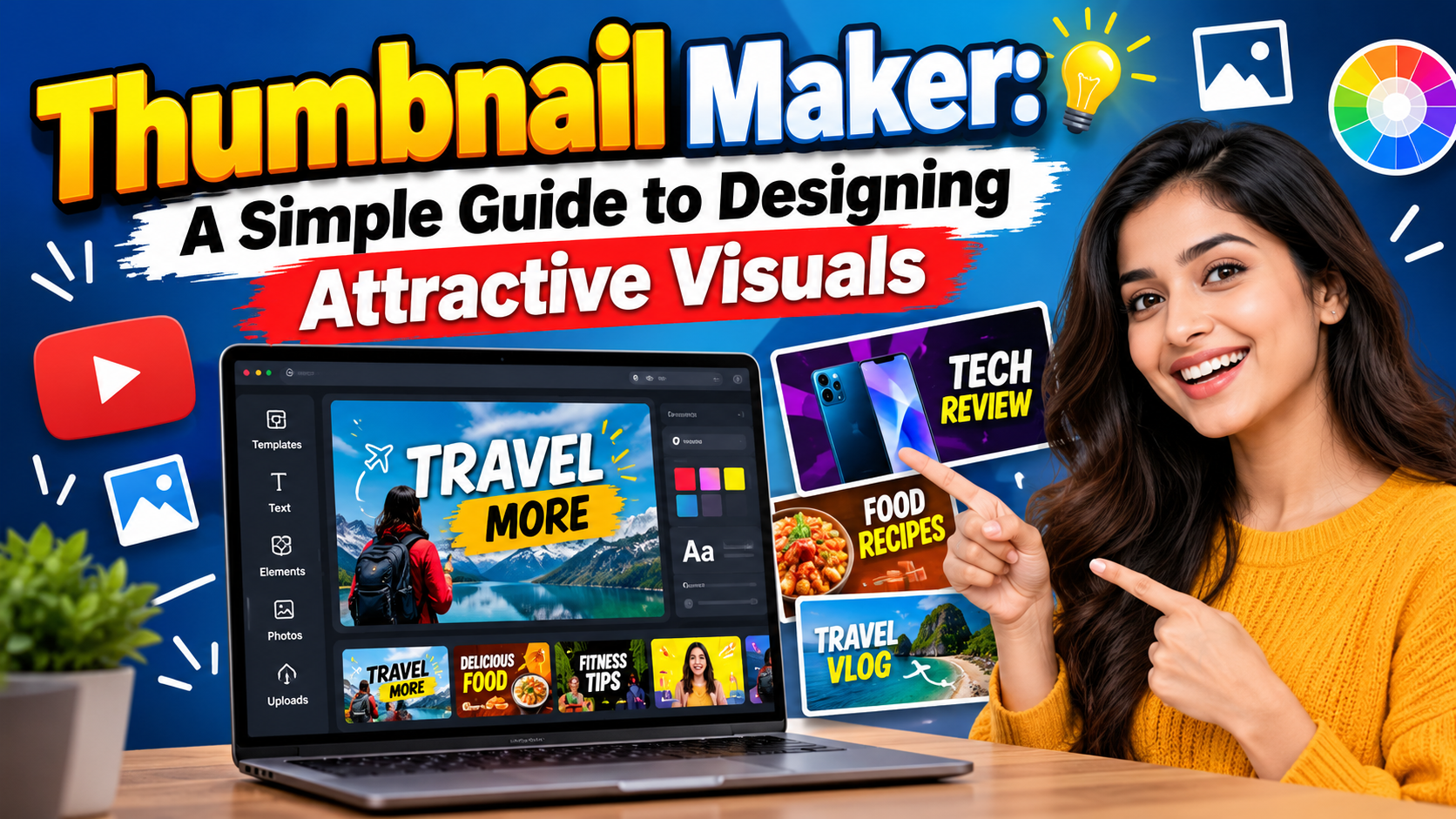
Using a thumbnail maker can simplify the design process by offering ready-made templates, image editing features, background adjustments, fonts, and decorative elements. These tools allow beginners to experiment with different styles without creating every design from the beginning.
Start by identifying the subject and intended audience. Select an appropriate image, choose a suitable layout, and add only the elements that support your message. Adjust the colors and spacing until the composition looks balanced.
Before exporting, preview the design at a smaller size. Check that the subject remains visible, any text is readable, and the image accurately represents the content. Finally, save the thumbnail in a suitable format and follow the image dimensions recommended by your publishing platform.
Mistakes to Avoid
Common mistakes include using low-quality images, adding excessive text, choosing clashing colors, and including too many decorative elements. Another problem is using misleading imagery that promises something the content does not deliver.
Creators should also avoid copying another person’s complete design. Studying successful examples can provide inspiration, but developing an original visual style helps establish a distinct identity.
Conclusion
An effective thumbnail combines clear imagery, balanced colors, readable text, and a recognizable subject. By focusing on these fundamentals, creators can improve the appearance of their videos, articles, and social media posts. Practice different layouts, review audience responses, and refine your designs over time to discover which visual approaches best communicate your content.