

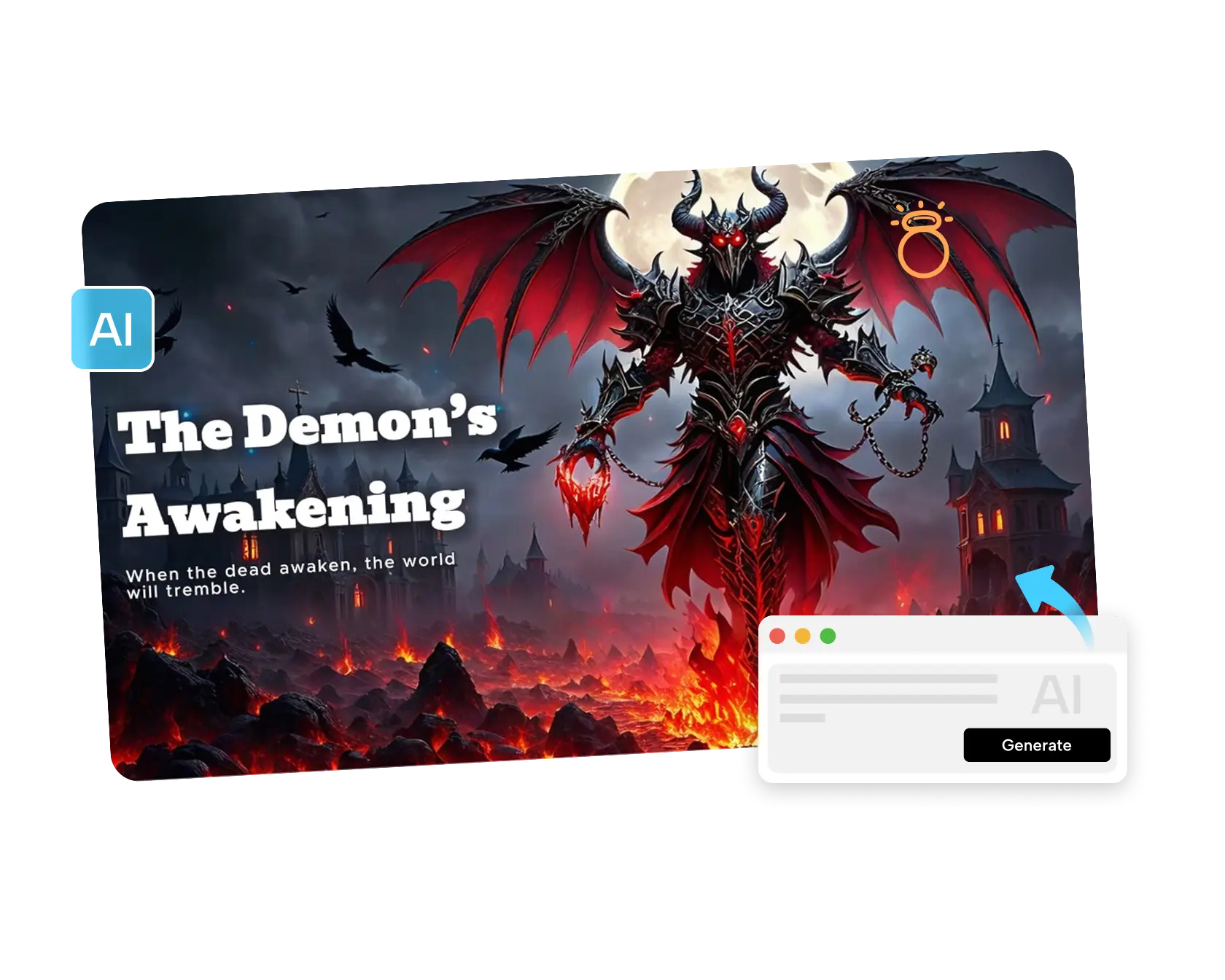
FIELD GUIDE ENTRY: Species unknown. Habitat: your imagination. Behavior: rarely observed, until now. Nature documentaries have always had a way of making even ordinary creatures feel fascinating through careful framing and a POV-style close-up. Pippit’s Seedance 2.5 model lets creators apply that exact documentary treatment to fantasy creatures that don’t actually exist, turning a single concept image into a short, immersive point-of-view video.
Since this format borrows so directly from nature documentaries, let’s structure it like an actual field guide entry.
Classification: What kind of creature works best
- Creatures with a distinct, clear silhouette and visible facial features.
- A design with an implied personality or behavior — a curious gaze, a defensive posture, a playful stance.
- Enough visual detail in the reference art to guide realistic texture and movement.
- A setting or habitat that reinforces the creature’s fantasy world.
Habitat notes: Setting the scene
A fantasy creature feels far more believable when its environment supports its design — a frost-covered creature in a snowy landscape, a glowing forest creature among bioluminescent plants. The habitat does almost as much storytelling work as the creature itself.
Field observation: Capturing the creature in motion
Step 1: Upload your creature reference and write a time-stamped prompt
Load Pippit’s Video Generator software, choose Seedance 2.5, and load the concept art of the creature. Write a time-coded prompt about a POV encounter with the creature.
For example: Produce a 15-second POV video with a fantasy forest creature encounter. 0–5 seconds: a luminous deer creature stands motionless in the misty forest, observing cautiously. 6–11 seconds: a slow approach with its ears moving back and forth and its luminous markings blinking gently. 12–15 seconds: end the animation by showing the creature walking away in the mist.
Step 2: Modify the draft to your liking
Compare the draft with the personality traits of the creature — is its motion compatible with its personality traits? If not, modify the prompt accordingly.
Step 3: Expand to make a sequence and export
If the encounter requires a longer sequence — for example, the creature interacting with the environment or another creature appears — expand using the extension option. Export the result in a resolution suitable for portfolio, pitch, or fantasy content.
Research notes: What makes Seedance 2.5 suited to creature design
Realistic motion for believable creature behavior
Physics-aware motion rendering helps a creature’s movement — a cautious step, a twitch, a glide — feel like genuine animal behavior rather than generic or robotic motion, which matters enormously for making an invented creature feel real.
Creativity transfer for a consistent fantasy tone
Creativity transfer can replicate the mood and visual language of a specific reference — a particular art style or existing creature design — helping the encounter feel consistent with an established fantasy world rather than a mismatched aesthetic.
Multimodal fusion for richer world context
Uploading creature concept art alongside habitat references and mood boards, supported by input of up to 50 pieces of material, helps ground the generated encounter in a fuller creative vision.
Audio log: Adding a soundscape
Pairing the encounter with an ambient soundscape — rustling leaves, a distant call, a low magical hum — created through a tool like SeedAudio 1.5 gives the scene a documentary-style immersion that visuals alone can’t fully achieve.
Conservation notes: Building a full bestiary
- Document multiple creatures from the same fantasy world for a cohesive “field guide” series.
- Keep a consistent visual and tonal style across every creature encounter.
- Pair each video with a short in-world description, the way an actual field guide entry would read.
- Treat this as a growing AI video generator for an entire fantasy bestiary, not a single creature reveal.
Migration patterns: building a creature’s backstory
Even a simple note about where a creature lives, what it eats, or why it behaves the way it does gives an otherwise decorative design a sense of internal logic, which tends to come through in how believable the final animated encounter feels.
Conservation status: rare versus common sightings
Treating some creatures as “rare” and others as “common” within your invented world, and reflecting that in how skittish or bold they appear on camera, adds a layer of worldbuilding that makes a whole bestiary feel like a connected ecosystem rather than a random assortment of designs.
Interspecies encounters: multiple creatures in one scene
Once individual creatures are established, showing two different species interacting — a predator-prey dynamic, an unlikely alliance — adds narrative depth and gives a fantasy world a sense of actual ecology rather than isolated character studies.
Expedition notes: revisiting the same creature in new habitats
The same creature design can be shown in different environments to explore how it might adapt or behave differently — a fire-dwelling creature glimpsed in a rare cold snap, for instance — which keeps a single design feeling fresh across multiple videos.
Specimen comparison: scaling creatures against familiar objects
Including a recognizable scale reference — a human hand, a common object — in at least one shot per creature helps viewers understand size in a way that pure creature-only shots often fail to communicate clearly.
Closing observation
Nature documentaries have always made the ordinary feel extraordinary through patient, careful framing, and that same treatment can now apply to creatures that only ever existed in imagination.
With Seedance 2.5 inside Pippit, your own invented species can finally get its first field encounter. If there’s a creature that’s been living only in your sketchbook or your notes, it might be worth opening Pippit and finally observing it in the wild.